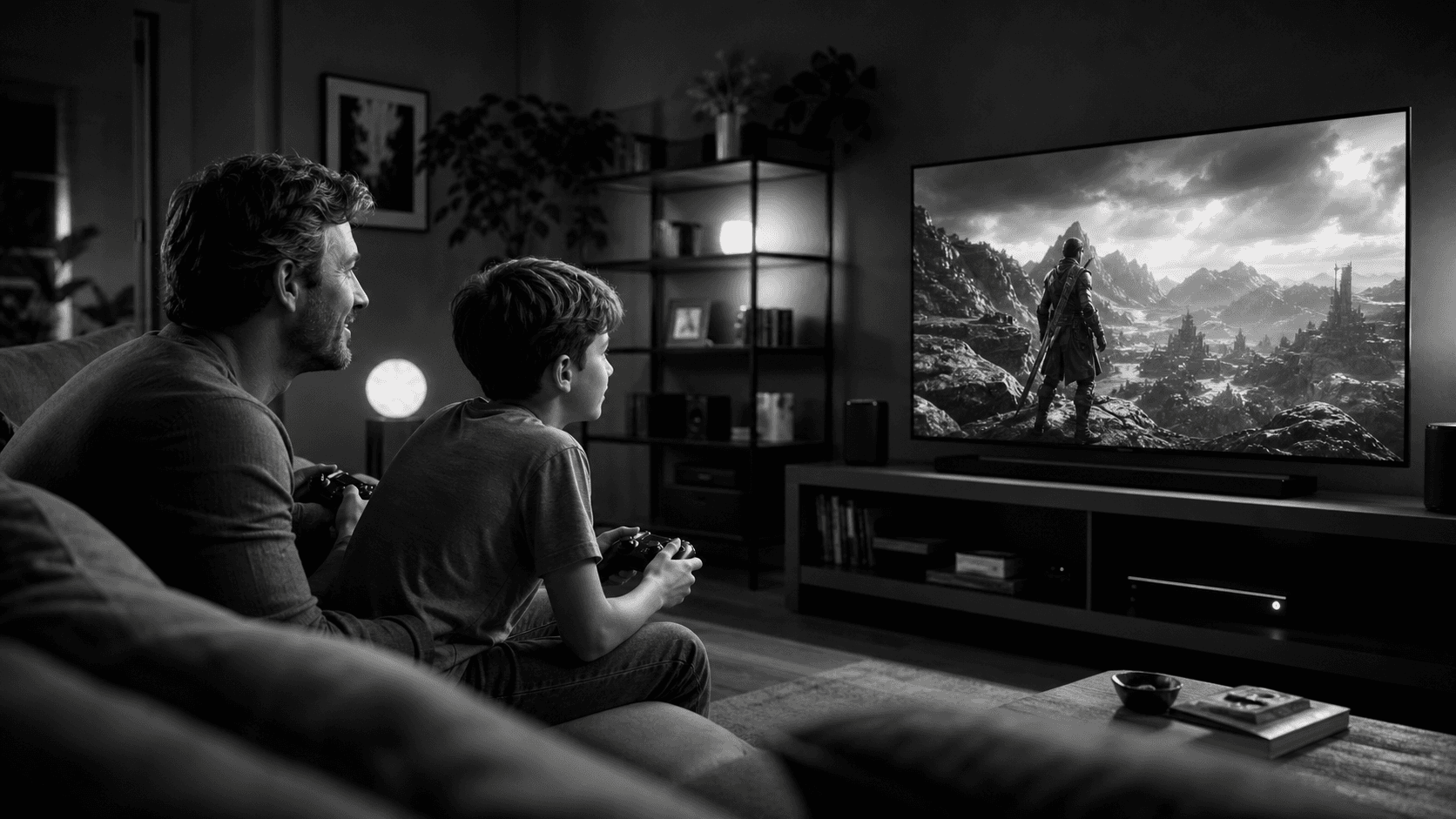
Start With the Room You Have, Not the Room You Want
Every great gaming setup begins with the reality check: your room and its constraints. Before thinking about specs or peripherals, sketch a simple floor plan. Note door swings, window glare angles, wall outlets, and any heating or AC vents that could affect dust or temperature. Measure your desk surface depth and width; most off-the-shelf desks range between 23–30 inches deep, and that dimension alone determines how close a monitor will sit to your eyes, how far a keyboard can move, and where a controller dock might fit. Next, map sightlines. If you’ll place a monitor opposite a window, expect glare during daytime sessions. A cheap, space-friendly fix is a matte monitor finish, adjustable blinds, or a small clamp-on desk lamp angled away from the screen. Overhead lighting that’s directly above the monitor can also create reflections; a floor lamp placed off-axis behind your seat provides softer, directional light that reduces eye strain without washing out the display. Cable routing matters for both safety and aesthetics. A power strip with surge protection mounted under the desk keeps plugs off the floor, while a fabric cable sleeve groups HDMI, DisplayPort, and USB leads into a single bundled run. If you’re in a tight corner setup, consider a short monitor arm with a wall or grommet mount to reclaim desk depth. Even a few inches can mean a more ergonomic keyboard distance and room for a controller stand. Acoustics are often overlooked in small spaces. Bare walls and hard floors create echo that can muddy game audio and voice chat. Add a low-pile rug beneath your chair, a fabric wall hanging, or a couple of small bookshelves with mixed contents to break up reflections. If you share walls, isolate sub-bass by lowering low-frequency settings and placing the PC case on a dense mat to reduce vibration transmission. With the physical canvas set, think about thermals. PC towers tucked into closed cabinets or pressed flush to a wall can recycle hot air. Leave at least a few inches behind the case for exhaust, and orient intake fans toward the room’s coolest, least dusty direction. If your only option is an enclosed nook, consider adding an extra exhaust fan or keeping the door cracked during long sessions. Steam’s versatility helps you adapt to the room you have. Whether you’re sitting at a compact desk or casting to a TV across the room, you can browse, download, and launch from the same ecosystem. If you plan to switch between desk and couch play, note where a controller can charge, where a long HDMI or Ethernet run can live without becoming a trip hazard, and where a small keyboard-and-trackpad combo can rest within arm’s reach. Lastly, define a staging area for accessories you use intermittently: flight sticks, racing wheels, or arcade sticks. A low bin under the desk, a wall hook, or a slim rolling cart can store these vertically without eating desk space. Thinking about storage at the beginning will reduce friction when you rotate between genres that shine with different controls.
Choosing Controls That Suit Your Games and Your Body
The best control setup is the one you can use for hours without strain. Start with your most-played genres and match them to input types. First-person shooters and MOBAs lean toward mouse and keyboard for precision. Platformers, racing, roguelikes, and many indie titles often feel better on a gamepad. Sims and flight titles might benefit from wheels, pedals, or HOTAS. Steam’s input flexibility lets you mix and match, and many games detect controllers seamlessly. Keyboard considerations: If your desk is shallow or your chair armrests are high, a compact board (TKL or 75%) keeps your mouse closer to center line, which can reduce shoulder fatigue. For quiet play or shared spaces, dampened or low-profile switches help. Wrist support matters; a soft, removable wrist rest prevents awkward angles when the board sits higher than the desk surface. Angle the keyboard feet down unless you’re actively typing; neutral wrist posture is usually flatter than you think. Mice must match your grip and the space available. In cramped areas, a mid-size, mid-weight mouse with a large glide area prevents stutter when you bump into desk edges. A low-friction mousepad sized to your available width helps keep tracking consistent. If you’re frequently switching to a controller, a dock or magnetic hanger at the pad’s edge saves time and keeps the cable tangle-free. Gamepads excel for sofa play or desk sessions when you want a relaxed posture. Many titles on Steam support rumble and analog triggers that add nuance in driving and action games. If you alternate between mouse and controller within the same game, Steam’s remapping features can assign keyboard-like shortcuts to controller paddles or buttons, softening the learning curve. Consider a controller stand that also doubles as a charger to keep your primary pad ready. Specialized gear demands honest self-assessment. A racing wheel and pedal set can transform driving titles but needs floor space and stable mounting. A foldable wheel stand might be enough for casual laps, while a heavier rig suits longer stints if you have the room. Flight sticks and throttles benefit from clamp mounts that don’t permanently alter furniture. If storage is limited, prioritize modular gear: separate components that pack flat are easier to live with than large fixed frames. Audio is a control surface too. Headsets with clear microphones simplify voice chat, but tight headbands and hot earcups can end a session early. Lightweight designs with cloth pads and adjustable clamping force reduce fatigue. In small apartments, open-back headphones leak sound; closed-back or in-ear monitors are kinder to neighbors and roommates. A simple USB interface or DAC with a volume knob provides fine control without diving into menus mid-match. Ergonomics now, not later. Chair posture begins with seat height: aim to keep knees near 90 degrees and feet flat. If desk height is fixed, adjust chair height, then add a footrest if needed. Armrests that meet the desk edge lightly can support forearms while mousing or using a controller without forcing shoulders upward. Short breaks every hour, plus a quick wrist and shoulder stretch, are small habits that preserve comfort and precision over time. Finally, remember that control setups are iterative. Steam’s breadth of genres will nudge you to try new inputs over time. Start with the essentials you’ll use daily, then add specialized gear only if a game you love truly benefits from it. This phased approach respects both your space and your budget.
Performance, Library Management, and a Budget That Fits Real Life
You don’t need a maximalist machine to have a great time—smooth play and a smart library strategy matter more than raw numbers for most people. Begin by setting performance targets that suit your display and the genres you play. On a 60 Hz monitor, consistent frame pacing can feel better than chasing the highest possible frame rate. On higher-refresh panels, aim for settings that keep averages near your refresh rate while avoiding big dips; lowering ultra shadows or post-processing often yields large stability gains with minimal visual loss. Cooling and noise are directly tied to comfort. If your space is small or you game close to roommates, tune fan curves for a balance of airflow and acoustics. Many cases allow front intake filters that trap dust without suffocating fans; clean them regularly on a schedule you’ll actually follow. A slightly conservative power profile can reduce heat spikes and coil whine, especially in compact rooms. Storage planning matters more than most expect. Keeping a fast boot drive for the OS and frequently played titles, and a secondary drive for the rest, offers a practical balance. Steam’s library tools let you manage multiple install locations easily and move games between drives when you rotate what you play. This keeps your current favorites quick to launch while giving you room for seasonal downloads. Library curation saves both money and time. Use wishlists not only for tracking interest but for grouping by mood or session length. Tag games by genre, difficulty, or “couch-ready” versus “desk-only.” When you sit down to play, a curated view avoids endless scrolling. Steam’s recommendations can help you discover adjacent titles, but your own tags and categories turn discovery into action without cluttering your drive. Network realities can constrain downloads, especially in shared households. If you have limited bandwidth, schedule large updates during off-hours. You can also pause non-critical background apps and let Steam handle installs while you’re away. If your gaming spot is far from the router, consider a wired connection run along the wall with adhesive clips; even a modest Ethernet cable is often more stable than Wi‑Fi in congested apartments. Budgeting is a design tool. Rather than buying everything at once, map purchases to milestones: start with a reliable display, comfortable chair, and solid controls. Add upgrades as you learn where bottlenecks actually show up in your daily play. An entry-level GPU paired with settings discipline can deliver satisfying results for many popular titles. If you’re split between two parts, prioritize the component that would be hardest to replace later—usually the power supply or case—so future upgrades are simpler. Software housekeeping pays dividends. Keep graphics drivers and the platform client current, but don’t chase every optional beta if stability is your priority. Within games, experiment with built-in upscaling or frame generation options if available on your hardware; these features can extend the usable life of midrange components. Save profiles per title so you can toggle between “cinematic” and “competitive” presets depending on your mood. And remember discoverability: browsing the catalog on natural anchor text can be overwhelming, but a preplanned budget and wishlist rules keep your library purposeful. If local storage is tight, resist impulse installs by staging downloads for your next weekend session rather than piling everything on today. When you uninstall finished titles, keep saves and screenshots organized; backing these up helps if you reinstall later. Lastly, couch and desk hybrid play is more feasible than ever. If your main PC is in the study but your TV is in the living room, plan cable runs or consider home network options to reach them. Map controls in advance so you can sit down and start playing without a configuration detour. The less friction at launch, the more likely you’ll use and enjoy the setup you built.
Putting It All Together: A Setup You’ll Actually Use
A satisfying gaming space is the sum of small, well-chosen decisions that respect your room, your hands, and your wallet. Start by measuring the space and taming glare, cables, and heat. Claim a few extra inches with a monitor arm, plan storage for specialty gear, and quiet the room with soft surfaces. Choose controls that match the way you play: a comfortable keyboard and mouse for precision, a well-placed controller for relaxed sessions, and lightweight audio you can wear for hours without fatigue. Keep posture in mind from the first test match, not the tenth. Treat performance as a target, not a race. Tune settings for stability and consistency, keep thermals under control, and build a storage plan that puts your most-played titles within quick reach. Curate your library with tags and categories so you launch more and browse less. Budget in phases, letting real usage reveal the upgrades that matter. When you expand to the couch or rearrange the room, lean on the same principles: clear sightlines, easy charging, dependable networking, and inputs that feel natural from the first minute. The platform you choose should support the way you live. Steam’s vast catalog and flexible input support make it easy to move between genres, sessions, and spaces without rebuilding your routine. Your goal isn’t perfection—it’s a setup that invites you to sit down, press play, and enjoy. With a plan anchored in space, controls, and budget, you’ll build a gaming environment that fits today and adapts gracefully to tomorrow.