Why mirrorless now
Mirrorless cameras have matured into a versatile tool for creators of every level, from travel shooters and documentary storytellers to hybrid content makers who split their time between stills and video. In the broader electronics and appliances category, they stand out for packing professional capabilities into relatively compact bodies. Compared with many older DSLR systems, modern mirrorless cameras offer faster on-sensor autofocus, more accurate subject detection, silent or quieter shooting options, and robust video features that previously required dedicated cinema hardware. The result is a single device that can capture a clean portrait at noon, a stabilized city scene at dusk, and a 4K interview at night—often with the same lens. Yet, that abundance of capability also creates confusion. Shoppers face a long checklist: sensor sizes, codecs, stabilization terms, and lens ecosystems. Choosing well means understanding which specs translate into real-world benefits for your style, and which are nice to have but not essential. Reliable retailers help bridge this gap with comparison tools, bundles, and clear descriptions of compatible lenses and accessories. Stores like bhphotovideo.com curate extensive lineups across price points and skill levels, allowing you to filter by sensor, frame rate, or lens mount as you refine your options. For travelers, weight and battery life may be decisive; for sports and wildlife, autofocus detection, burst speeds, and buffer depth matter more; for corporate video or education content, reliable 10-bit recording, clean HDMI output, and audio inputs become key. If you plan to grow into a system, the breadth of native and third-party lenses is as important as the camera body itself. Finally, your workflow—how you shoot, back up, edit, and deliver—should inform everything. Whether you cut footage on a laptop during a trip or color grade at a workstation, the camera’s file formats, stabilization, and low-light performance can reduce friction in post-production. Taking the time to map your needs to the right set of features saves money up front and keeps you happy longer, with gear that’s ready for the projects you want to pursue.
Key features that matter
Start with the sensor. Full-frame sensors typically gather more light, making them attractive for low-light and shallow depth-of-field work, while APS-C and Micro Four Thirds systems can be lighter and more affordable, with strong telephoto reach due to crop factors. Resolution affects how much you can crop and print, but it’s not everything: a 24–33MP full-frame sensor can be a sweet spot for hybrid use, while higher-megapixel options cater to detailed landscapes or product work. Consider rolling shutter behavior if you shoot fast action or rely on electronic shutters. Autofocus is central for both stills and video. Look for subject detection tuned for people, animals, and vehicles, plus reliable tracking in mixed or backlit scenes. Phase-detect systems tend to deliver confident performance, but implementation matters—read user reports and sample galleries. Continuous burst speeds paired with deep buffers help capture fleeting moments, while anti-flicker modes maintain exposure consistency under artificial lighting. For video, check whether the camera offers oversampled 4K for detail, 10-bit color for grading flexibility, log or flat profiles, and All-I or robust Long GOP codecs. If you stream or record externally, verify clean HDMI output and the availability of timecode, depending on your workflow. In-body image stabilization (IBIS) can smooth handheld footage and allow slower shutter speeds for stills, yet lens-based stabilization also plays a role, especially with telephotos. Ergonomics and reliability are often overlooked but crucial. A comfortable grip, intuitive menus, assignable function buttons, and a clear EVF reduce fatigue. Dual card slots provide redundancy on paid shoots; weather sealing adds confidence outdoors. Connectivity—USB power delivery, microphone and headphone jacks, Wi‑Fi/Bluetooth—supports longer sessions and easier transfer. Battery life varies with shooting style, display brightness, and video settings, so plan realistically for spares or USB power. Lens ecosystems can define your long-term satisfaction. A broad native lineup plus third‑party options cover everything from ultra‑wide architecture work to fast primes for portraits and stabilized telephotos for wildlife. Look at the system’s roadmap and rental availability to ensure it grows with you. If you are browsing retailers, use spec filters, side‑by‑side comparisons, and seasonal bundles to explore offers that pair bodies with versatile starter zooms, fast primes, or extra batteries—often a more efficient path to a working kit.
Practical steps to decide
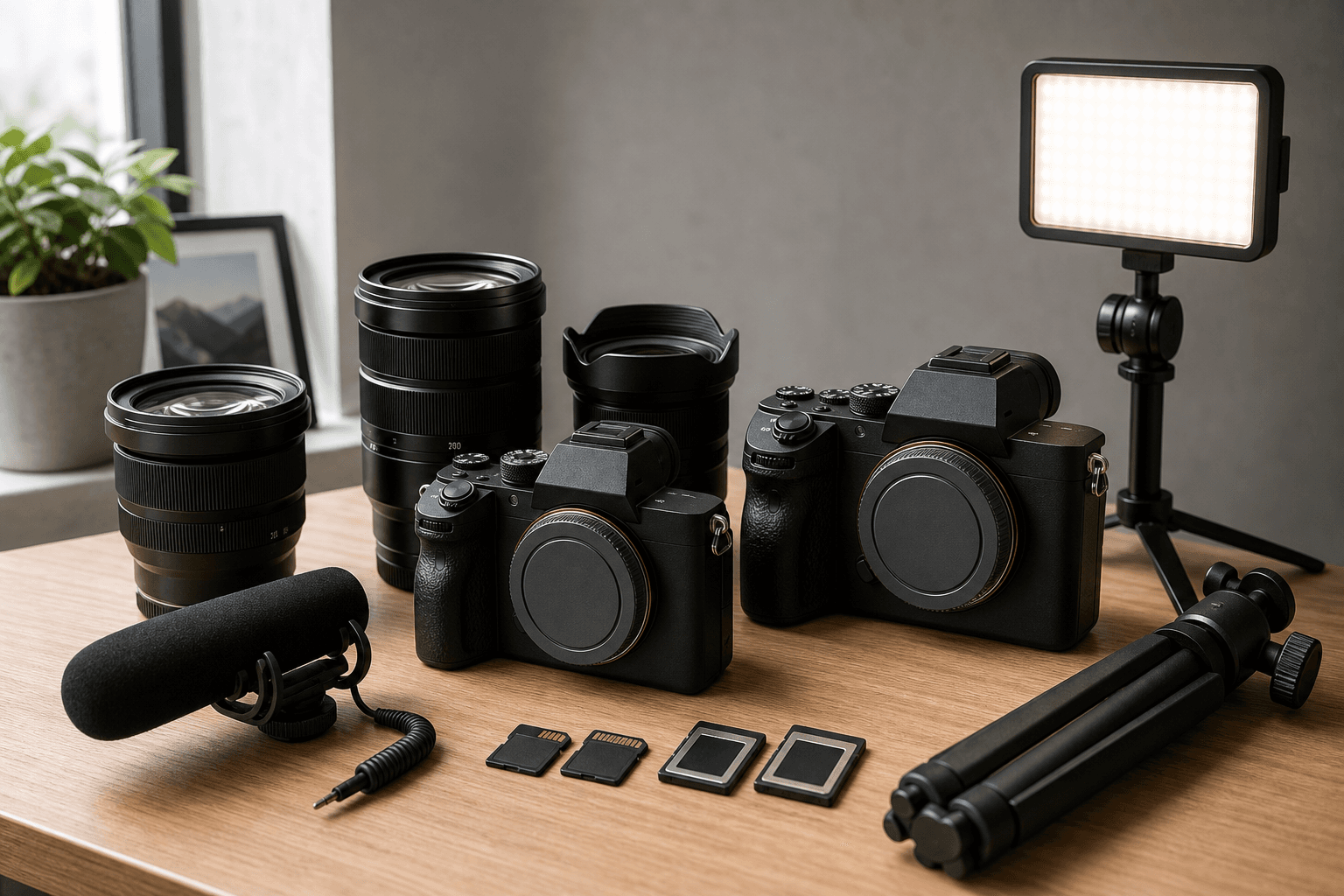
Clarify your primary use before comparing specs. List your top scenarios—family events indoors, backpacking landscapes, vlogging, weddings, or youth sports—and rank them. That list becomes a filter for every feature: vlogging favors a fully articulating screen, dependable face tracking, and clean audio paths; sports values high burst rates, deep buffers, and subject detection tuned for movement; travel prioritizes compact lenses, USB power delivery, and a light overall kit. Build a shortlist of two to four bodies that meet your needs and your budget, then evaluate the real costs of ownership. Include lenses you will use in the next year, plus essentials like extra batteries, a dual-slot charger, high‑speed SD or CFexpress cards matched to your camera’s capabilities, a small LED panel, and a reliable microphone. For stabilization, determine whether your style calls for a tripod, monopod, or compact gimbal. If possible, go hands-on. Visit a camera store to test grip comfort, EVF clarity, and menu logic; small ergonomic differences can matter over a long shoot. Many creators also rent finalists for a weekend, which turns specs into practical insight and quickly reveals whether autofocus, stabilization, or battery life meets expectations in your real scenes. When you are ready to purchase, consider reputable sellers with strong support, transparent return policies, and clear bundle pricing. Retailers such as bhphotovideo.com typically provide detailed compatibility information and educational resources; browsing their community articles and Q&A can answer edge cases about adapters or third‑party lenses. If you prefer digital browsing, head to the retailer’s official site to compare availability, shipping times, and kits that align with your shortlist. Used or refurbished gear from trusted sources can extend a budget without sacrificing quality, particularly for lenses and accessories that hold value well. Finally, plan your workflow. Decide how you will back up on the go, organize footage, and process color. Choosing a camera with codecs and profiles that play nicely with your editing setup can save hours later, making the right mirrorless body feel even more capable in daily use.
Summary and next moves
Choosing a mirrorless camera starts with understanding your primary use and then mapping that to features that matter: sensor size for look and low light, autofocus for your subjects, stabilization for handheld work, and video tools that match your editing pipeline. Ergonomics, battery life, and connectivity shape everyday comfort, while a healthy lens ecosystem sets the stage for growth. Budget beyond the body to include lenses, media, power, audio, and lighting so your setup is production-ready on day one. Hands-on testing, rentals, and careful comparison can quickly reveal what spec sheets cannot—how the camera feels, how confidently it focuses, and whether its files glide through your post-production. Trusted retailers like bhphotovideo.com help streamline decisions with clear compatibility notes, bundles, and education. With a thoughtful plan and realistic expectations, your final choice will be a tool you can rely on for portraits, travel, events, or content creation. Take your shortlist, verify accessories and workflow, and move forward confidently, knowing your system can evolve with your craft.